Help center
Type your question and the assistant shows you the answers.
Videos: how it works
About one minute each, in Spanish. They open on YouTube.
 ▶ Meet BotesPanama.com
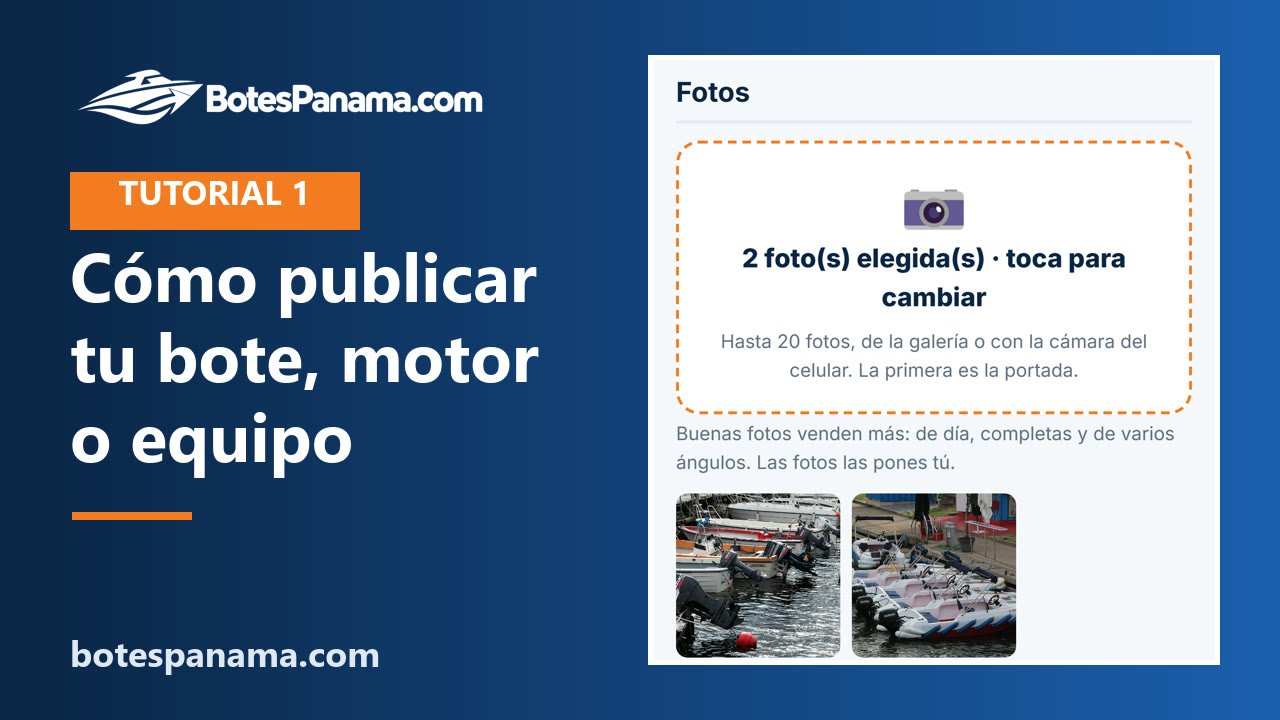 ▶ How to list your boat, engine or gear
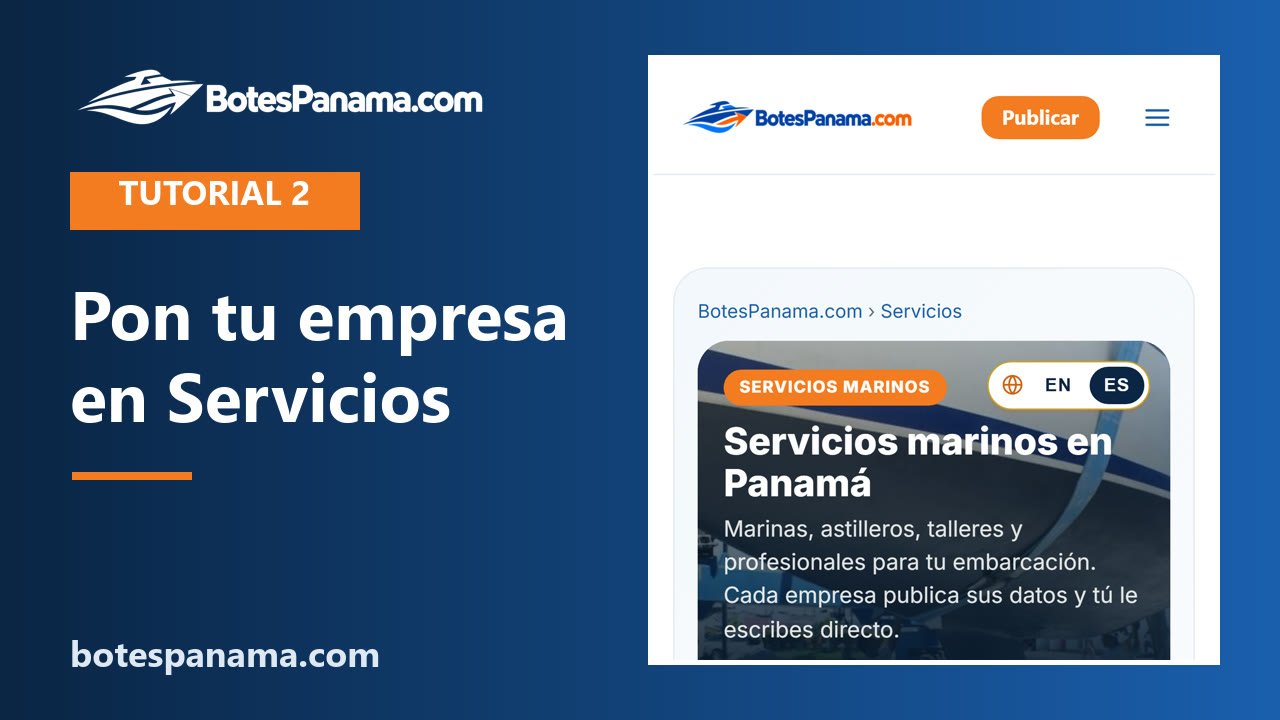 ▶ How to list your company in Services
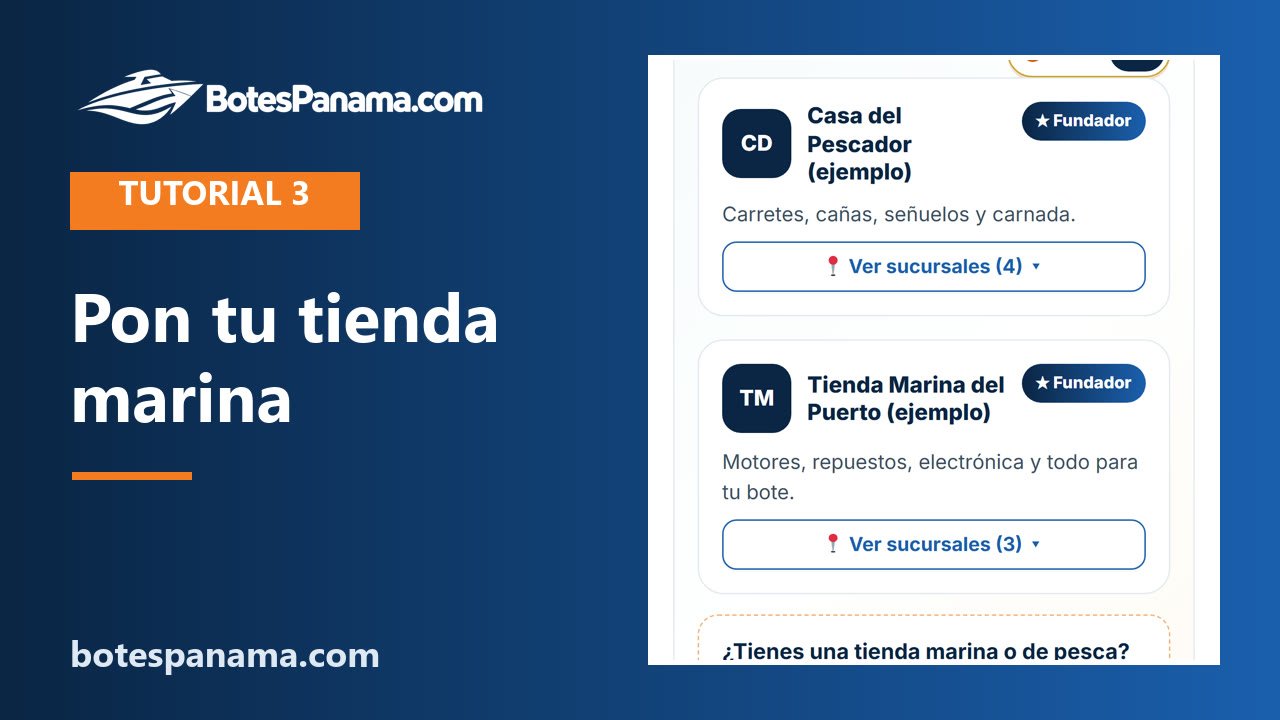 ▶ How to list your marine store
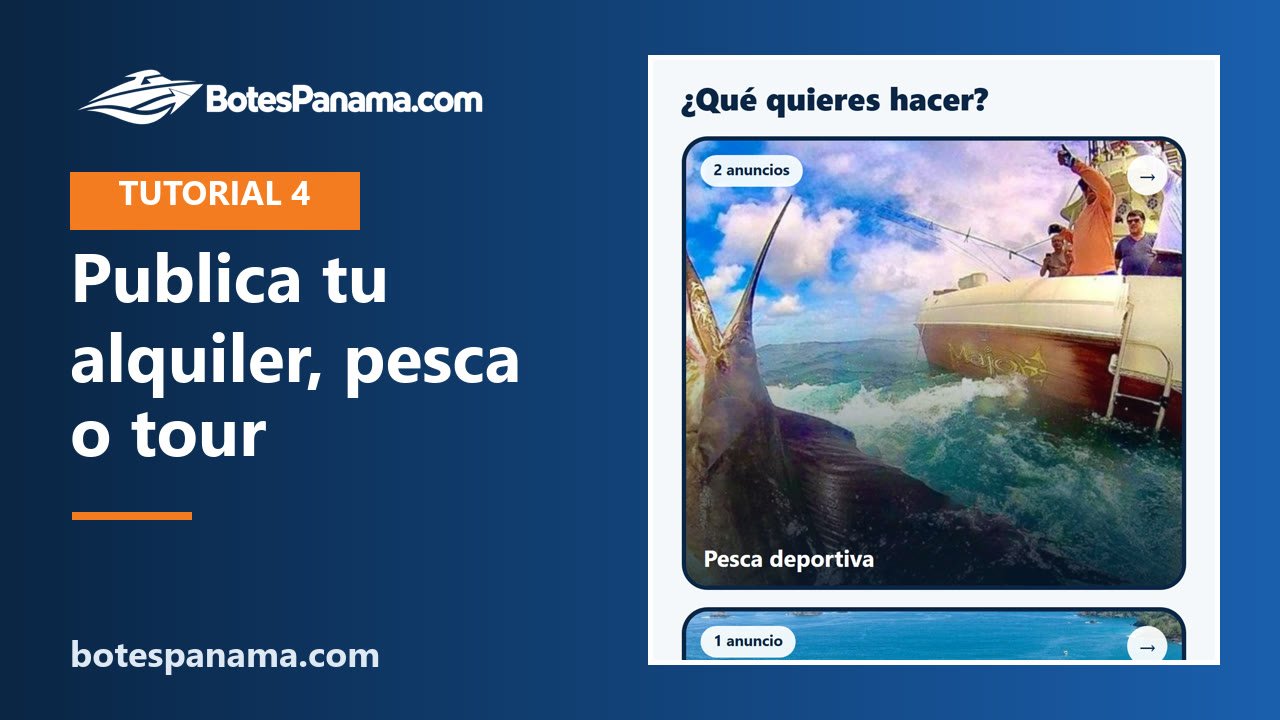 ▶ How to list your rental, fishing trip or tour
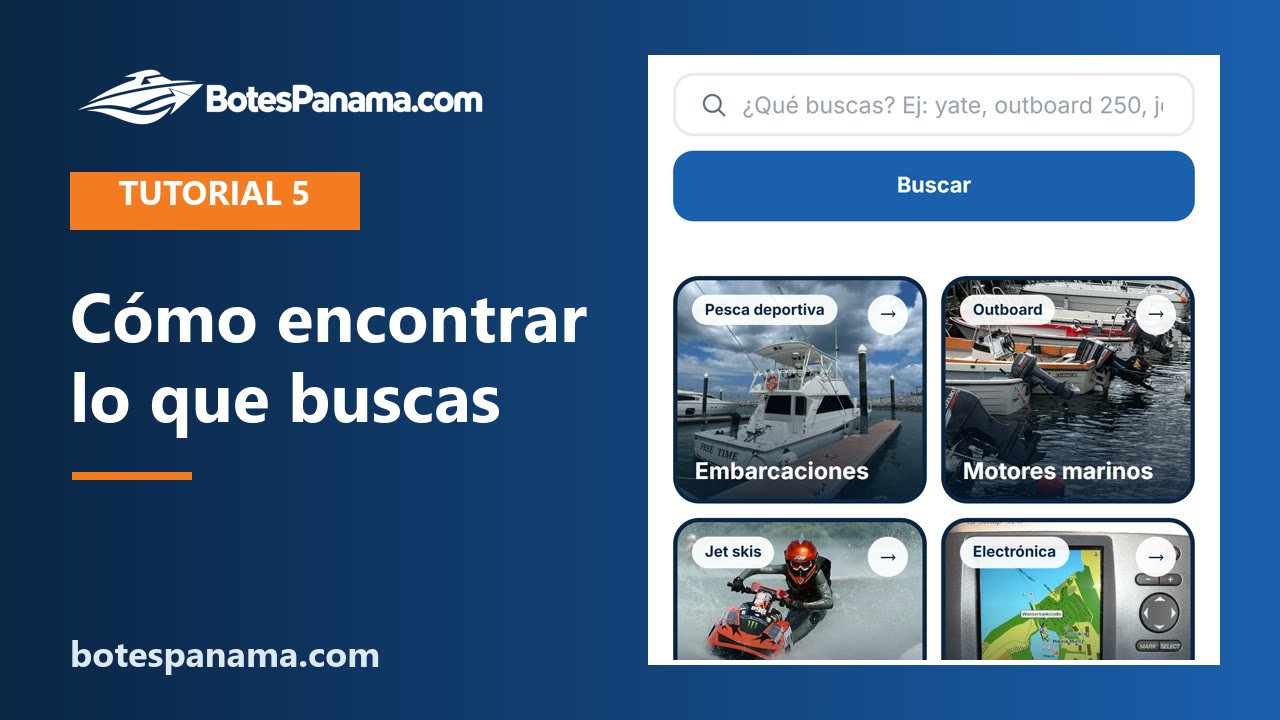 ▶ How to find what you need
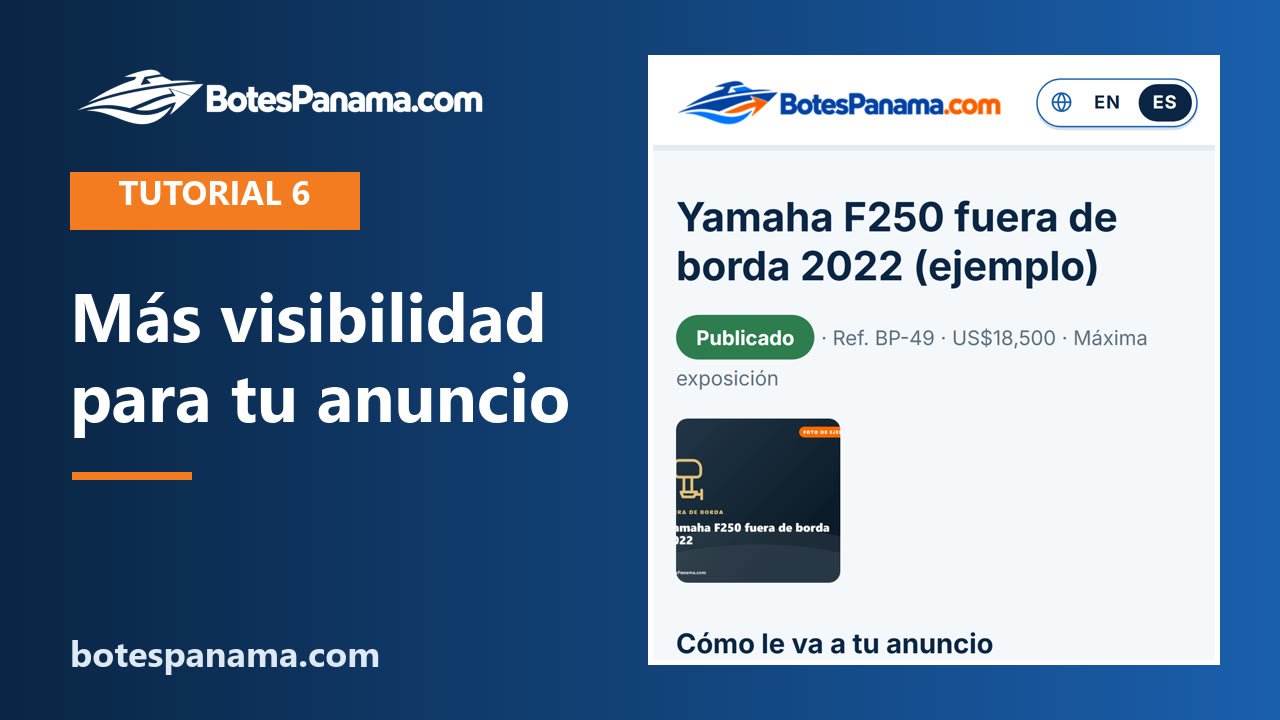 ▶ More visibility and statistics
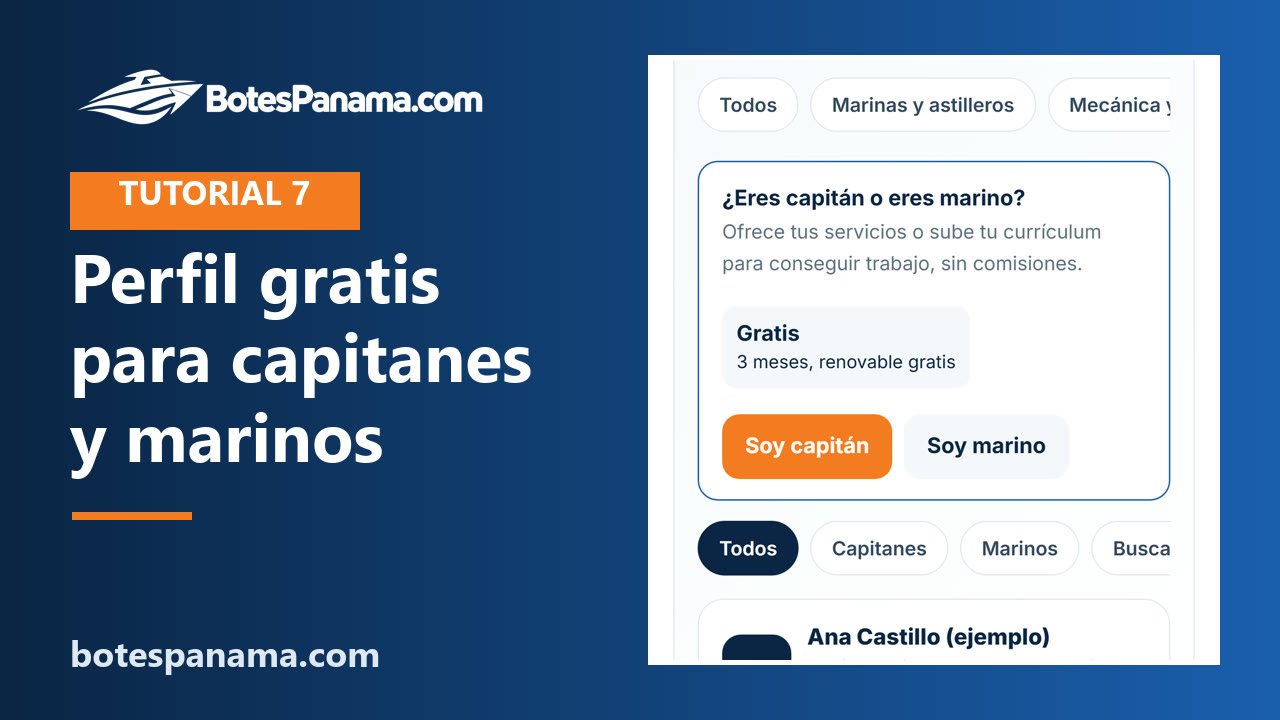 ▶ Captains and crew: your free profile
All videos on our YouTube channel · Follow us on Instagram
Frequently asked questions
How much does it cost?
It depends on what you sell and the exposure you choose (see the table), plus ITBMS. You pay 1, 2 or 3 months (2 months 5% off, 3 months 10% off) and renew whenever you want.
Do you charge a commission if I sell?
No. BotesPanama.com sells advertising space, not sales.
Who talks to the buyers?
You do. Your listing shows your phone and WhatsApp, and your website and Instagram if you want. Your email is not published.
What does each exposure level give me?
Placement and look for the days you pay: high goes ahead of standard listings with a gold border; maximum goes on the first row and the home page with a shine. No level guarantees a sale.
What if the Maximum exposure spots are full?
You see the date a spot frees up and you can join the waiting list. Meanwhile you can choose High exposure.
What happens when I sell?
Mark it as sold with your private link and you are not charged again. If you paid several months in advance, use Cancel on your private link: we refund the days you did not use.
I have a store with many products. Do I pay per listing?
No. Store plans charge a fixed monthly amount for up to 30, 100, 300 or 1,000 products, with bulk upload from Excel.
How do I pay?
Online, by card, on our secure checkout. We do not store card details.
How do I create my account and sign in?
Tap "My account" in the menu (it also appears the first time you post). If you are new, use "I am new: create my account" with your name, your email and a password of at least 8 characters. After that you always sign in with your email and password. In "My account" you see your listings and companies, and you can change your password.
I forgot my password
On the sign-in screen, tap "Forgot your password?" and type your email. We send you a link to create a new one; it works for 24 hours and only once. If you posted before you had an account, do the same with the email you used: that creates your password and shows everything in "My account".
The email does not arrive
Check your spam (junk) and promotions folders, and that your email address is spelled right. If you find it there, mark it as "not spam" so the next ones reach your inbox. If it does not arrive within a few minutes, ask for it again or write to us at soporte@botespanama.com.
How do I edit, renew, mark as sold or withdraw my listing?
Go to "My account" and tap "Manage" on your listing (or open your private link). There you have "Edit", "I sold it", "Withdraw listing" and, when payment is due, the buttons to renew. A withdrawn listing stays saved and you can publish it again. A company's products are managed from the company panel.
I lost the link to my listing
Sign in to "My account" with your email and password: all your listings and companies are there. You can also use "My listings" with the email you used and we will send you your private links.
Can I change my listing after publishing?
Yes: from "My account" or with your private link you can edit the text, price and photos at any time.
Why is my listing not visible?
It may be waiting for payment, expired, withdrawn, held by the automatic filters (no photos, no price, invalid phone or a duplicate) or hidden after reports. "My account" and your private link show its status.
What is the sign-up and trial period?
Until December 9, 2026, posting is free: listings, businesses and profiles, with no card. From December 10, 2026 you pay online, on the site's secure checkout, according to the price table. There are no automatic charges and we do not store cards: you make each payment yourself, with the link we email you or from "My account". If you do not pay, what you posted stays saved, at no cost, until you activate it.
What is a Founding Client?
The first 25 businesses to sign up by December 9, 2026 get 2 months of free advertising, counted from the day they sign up, and the Founder badge on their page. Those months never end before the sign-up and trial period. To get it, confirm your email with the link we send you: spots go in order of confirmation, one per email address. Captain and crew profiles do not count.
Can I post from another country?
Yes. In "Location", under "Outside Panama", choose your country and type your city or port. Your phone and WhatsApp get that country's code automatically. If your country is not listed, choose "Other country" and type the phone with + and the country code (e.g. +44 7700 900123). Businesses from abroad type their phone with + and the country code.
How do company plans work?
You pay one monthly amount for up to a number of products (30, 100, 300 or 1,000 for stores; 15 or unlimited for brokers; 5 boats for rental fleets). You get a company page with your logo and a private panel to add, edit and highlight products.
Can my business be in several sections?
Yes. Each section (services, store, boats and rentals) is a separate subscription, with its own price and expiry date. In your company panel, under "Your subscriptions", use "Add another section". If your business still has free days, the new section is also free until that date. Captain and crew profiles do not add sections.
How do I upload many products at once?
From your company panel, "Bulk upload": download the Excel/CSV template, fill one row per product and upload it with a ZIP of the photos (or photo links).
What is a sponsor brand?
A separate monthly space for your brand: your logo in the brands strip, a ribbon among the listings and a seal on all your listings. 6- or 12-month contract, paid month by month.
Can I get an invoice?
Yes. Each payment gets an electronic invoice that reaches your email. If you need it with a company RUC, choose that option when you pay.
How do I cancel and get a refund?
On your private link, press "Cancel" and choose the reason. It stops being published that day. We refund the days you did not use; the days you used are charged at the 1-month price. The refund goes to your card within 10 business days.
Does a captain or crew profile cost anything?
No. It is free. It lasts 3 months and, from 7 days before it expires, you publish it again for free for 3 more months from its panel (in "My account" or with your private link). We email you before it expires.
How do I contact BotesPanama support?
Send us a direct message on Instagram (@botespanama), email soporte@botespanama.com or use the form at the end of this page. If it is about a listing, include its reference (BP-…).
How do I contact the seller?
Directly from each listing, on WhatsApp or by phone. BotesPanama.com does not take part in the sale.
Does BotesPanama.com sell the items?
No. BotesPanama.com is an advertising platform: it publishes listings from private sellers, stores and brands. The sale is between buyer and seller.
How do I buy safely?
See the item in person, ask for documents and never pay in advance to someone you do not know. For boats, get a survey and use a lawyer for the transfer.
Is the information verified?
Each seller is responsible for their price, description and condition. Ask all your questions before buying.
How do I report a listing?
Use "Report this listing" on the listing page. It is reviewed and hidden if it breaks the rules.
Get my links · Terms and conditions · Privacy
Rate your experience with BotesPanama
Did not find the answer? Write to us
Instagram: direct message to @botespanama · Email: soporte@botespanama.com · or with this form: